Getting Started

Welcome to UO:Renaissance — the free-to-play Ultima Online shard set in the golden age of Britannia. Download the tools below and begin your adventure.

1 Download the Launcher
2 Install & Launch the Client
3 Create your account
4 Enter Britannia!
Required
UO:Renaissance Launcher screenshot

Launcher

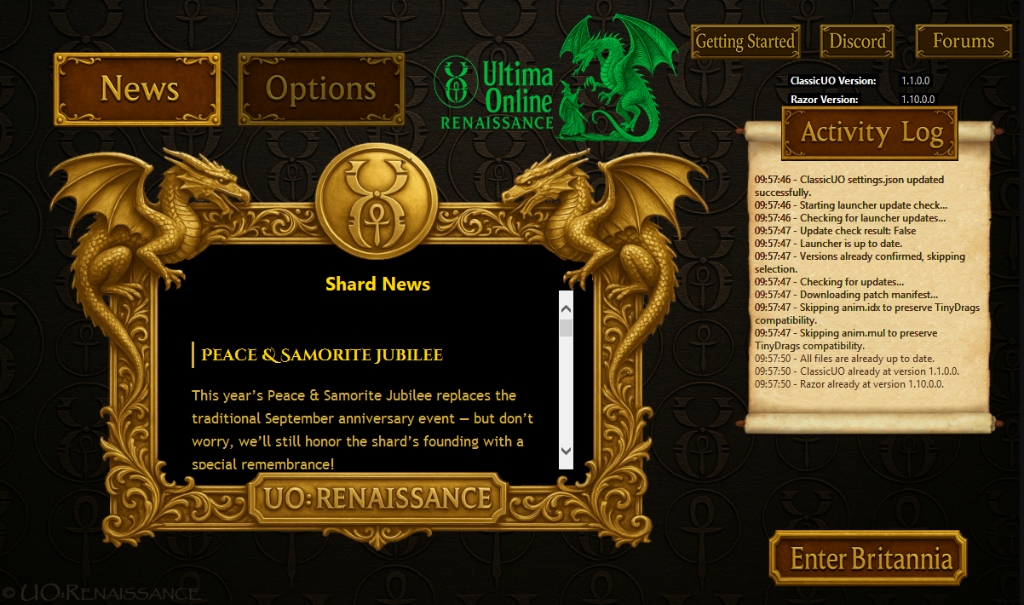
The official UO:Renaissance launcher keeps your client up to date automatically, manages patches, and connects you directly to the shard. Start here.

  • ✓ Auto-updates the game client
  • ✓ One-click login
  • ✓ Windows compatible
Download Launcher
Optional
UOAutomap screenshot

UOAutomap

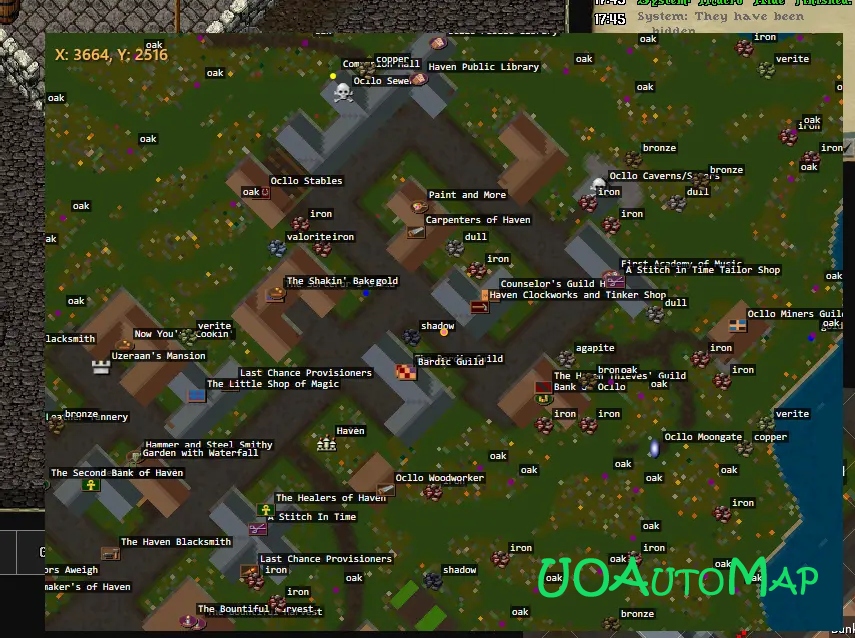
Navigate Britannia with ease using UOAutomap — a real-time overhead map overlay that displays your position, nearby locations, and points of interest.

  • ✓ Real-time map overlay
  • ✓ Custom markers & waypoints
  • ✓ Dungeon & town maps
Download UOAutomap
Mobile
MobileUO screenshot

MobileUO

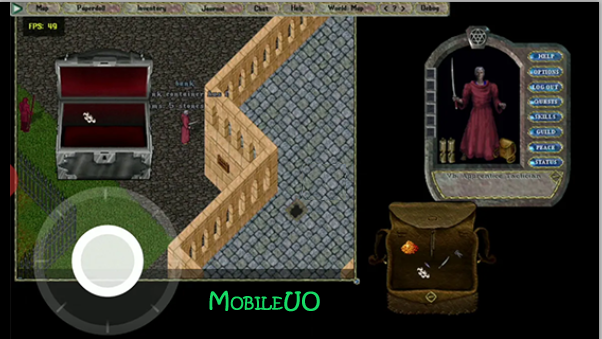
Play UO:Renaissance on the go with MobileUO. Explore Britannia from your phone or tablet with a touch-optimised interface.

  • ✓ Touch-friendly controls
  • ✓ Full shard access
Download MobileUO

Need Help?